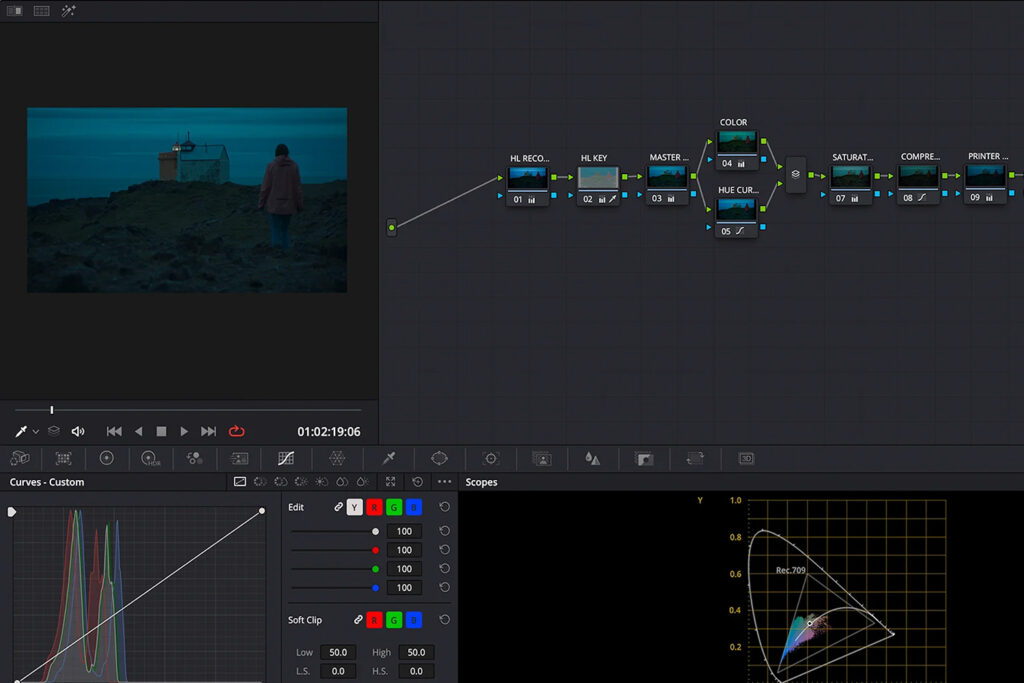
CINELOOK
The Cinelook Plugin for DaVinci Resolve features cinematic looks and film print emulations, developed by some of the industry’s most respected colorists and color scientists.
The plugin also includes powerful color grading tools, including density, compression, volume, and vibrance controls. For precise creative control and flexibility in your grading workflow.
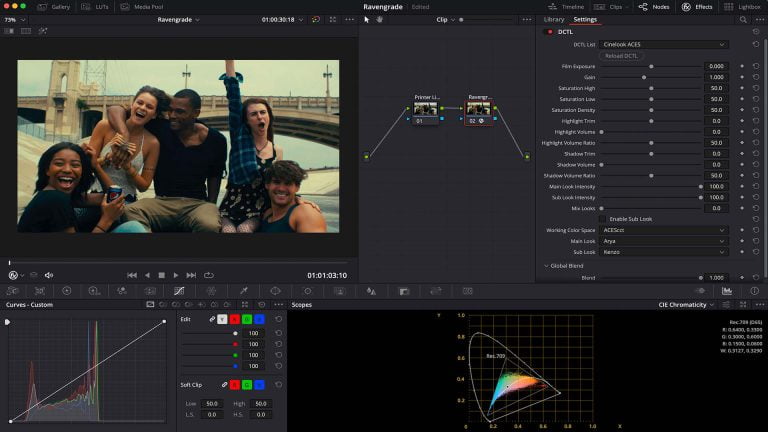
18 FILM LOOKS
Instantly present powerful film looks to your client – inside of DaVinci Resolve.
Textured and painterly looks – true to real film.
The goal with my contribution to Cinelook was to get the absolute best side-by-side display of digital with real film. With about ten thousand patches for intermediate recorder film out and print, the result showed a virtually indistinguishable comparison with real film, except for the film projector jitter.
FILM CONTROLS
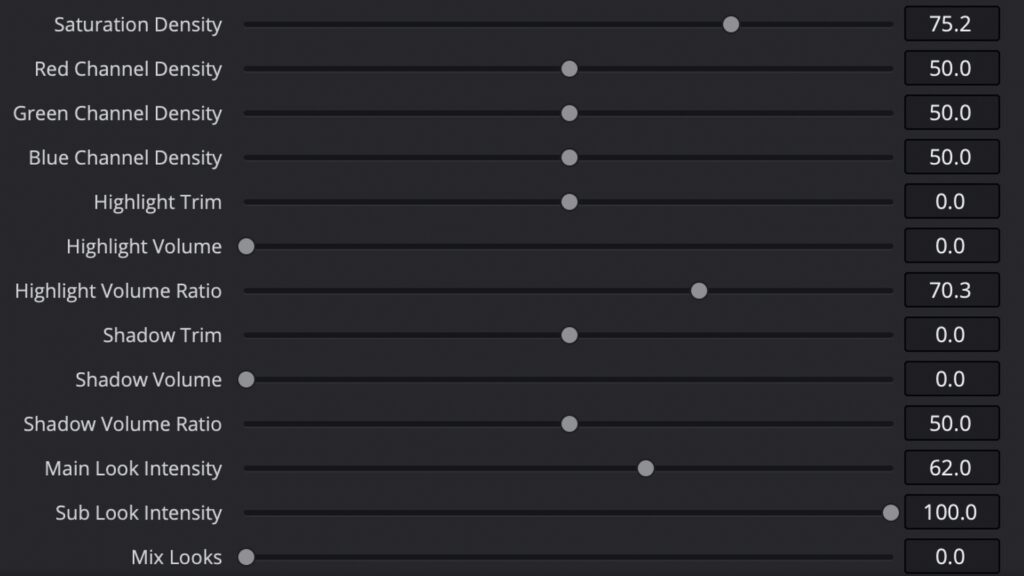
Sliders that let you create strong film contrast, painterly highlights, compressed shadows and reduce sharp edges.
Just like real film.
POWERGRADES
As s bonus you’ll get access to a package of twenty powergrades, crafted by a selection of renowned colorists.
The powergrades utilize print film emulations from the plugin, and are carefully designed to provide a professional look.
Additionally, it provides the opportunity to study node structures built by professional colorists.
These Powergrades gives me valuable insight into how professional colorists set up their node trees, and that makes them more useful for me than the others on the market. There are tons of things to discover in there that I can use to improve my color grading work.
I also love how the built in print emulations contributes to instantly making my work so much more filmic.
WORKFLOW
Cinelook works in real-time and supports a wide range of cameras,
color spaces and imaging pipelines
WIDE CAMERA SUPPORT
Supports a wide variety of log camera and working spaces including ARRI (including Alexa 35), RED, BlackMagic, Sony, DJI, Panasonic, Z CAM and Canon.
COLOR SPACES
Designed for the most common log variations and working spaces, and supports all industry standard display spaces including HDR and DCI P3.
NO BREAKAGE
Every technical component of the looks (LMTs) are shaped by color scientists to ensure the image does not quantize, clip or clamp.
MODERN COLOR WOKFLOW
Compatible with both node-based and color managed workflows, including ACES and DaVinci YRGB Color Managed.
Uncompromised Quality
and the looks are tested against every valid possible input color. As long as the color space characteristics of your image align with the color space you select within the tool, you’ll never see any breakage.
In general, how smooth a curve should be is a complex discussion because we need to balance the various mathematical formulas that is used to smooth out the movement from one curve point to the next with the designers creative intent. Also, the curves of the looks who are true film profiles reflect the actual measured and jagged behaviour of the print.
ADD-ONS
Get the most out of Cinelook with add-ons
CINELOOK BONUS PACK
The Cinelook Bonus Pack features 10 looks by Senior Colorist John Daro at Warner Bros.
It includes Kodachrome looks built for Netflix, ’80s Fuji emulations printed to Vision 3, reversal and true bleach styles for HDR, non-empirical Ektachrome emulations, modern saturated looks, and a tribute to Dan Muscarella of FotoKem.
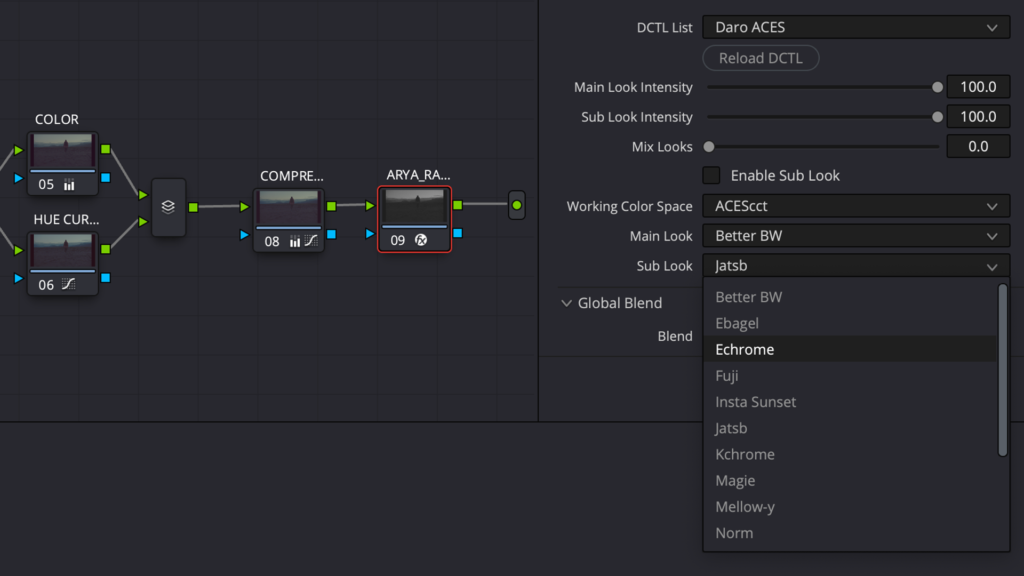
MIRA POWERGRADES
MIRA is a collection of 20 PowerGrades for DaVinci Resolve, crafted by a range of renowned colorists. Each node structure is designed to give your images a cinematic feel, combining custom corrections with transforms and film prints from the Cinelook plugin.
Study the node trees created by professional colorists, and apply these fully customizable grades to elevate your own projects.